


![[OPEN-Source] OX Inventory Reworked V1](https://dunb17ur4ymx4.cloudfront.net/packages/images/2cc5e12f55489311acf45cca16ad2553e2bea9f5.png)
Scripts
[OPEN-Source] OX Inventory Reworked V1
## Open Source - A **single file** and **Interface (web)** are locked, open ticket for get Open-Source Versi…
72.00 €
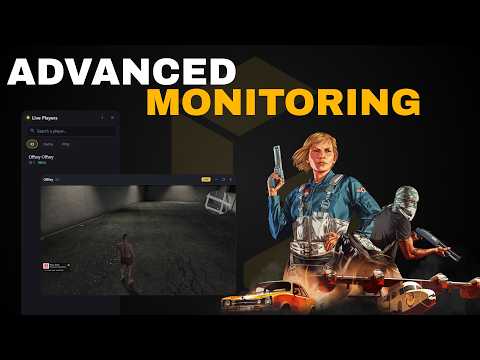
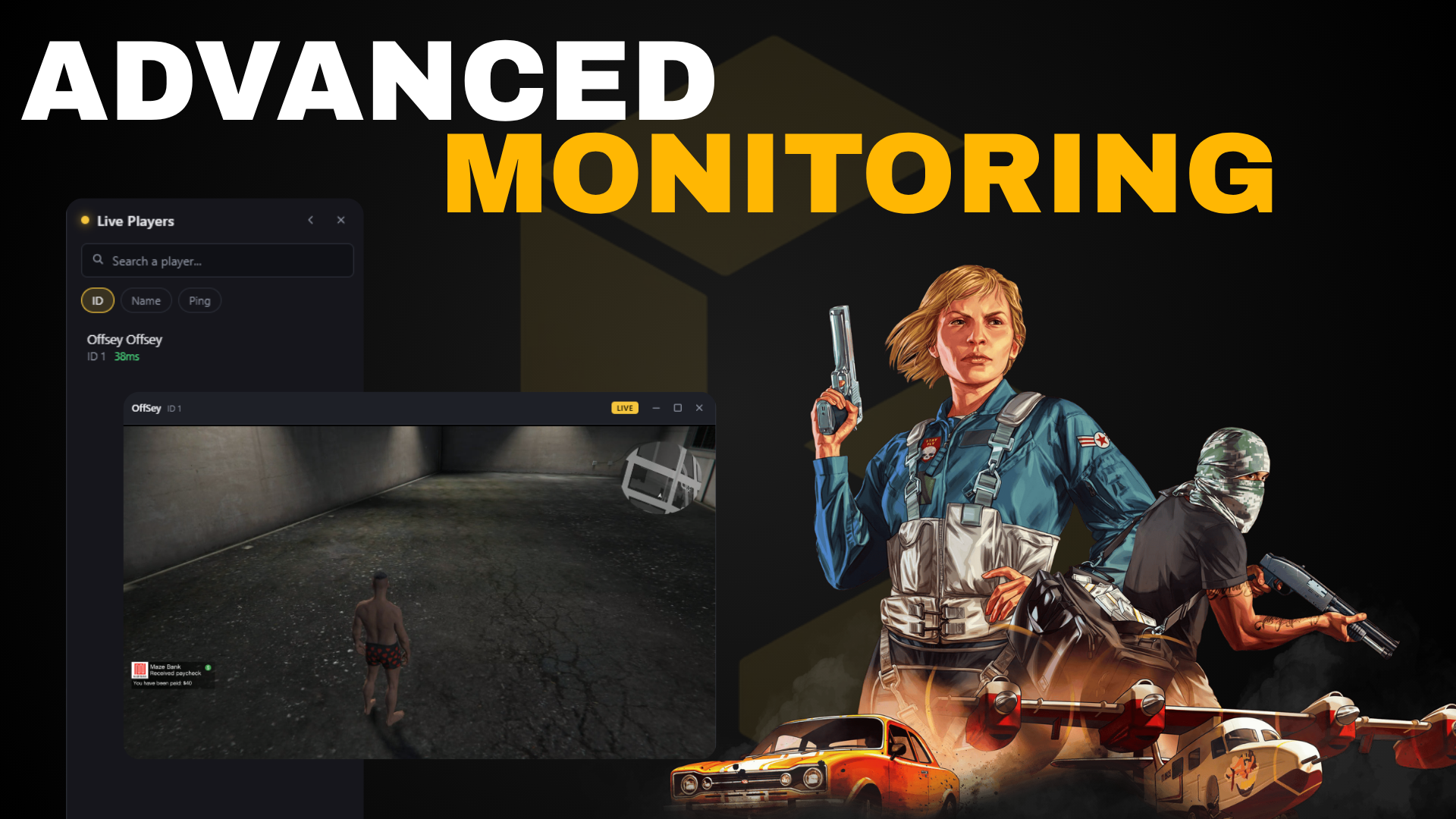
Watch several players' screens at once, live, each in its own window you can move, resize, tile and minimize like a desktop app. Video travels peer to peer over WebRTC, so your server never carries a single frame.
Multi-window monitoring - open the player list, pick as many players as you want, and every stream opens in its own window with drag, resize, minimize, maximize and edge snapping. Up to 6 at once by default, fully configurable.
One-click tiling - arrange every open window into a clean grid, or close them all at once.
Player list - everyone online, searchable by name, character name or ID. Sort by ID, name or ping, with colour-coded ping and a LIVE badge on who you are watching.
Screenshots on demand - capture a single frame from any player's screen in its own window, or push it straight to Discord with a one-line export that returns the hosted URL.
Keep playing while watching - hide the player list to give the cursor back to the game. Your stream windows stay open and keep playing, and F2 takes the cursor back.
Peer to peer by design - your server relays the WebRTC handshake and nothing else. Ten admins watching costs you exactly the same as none.
Idle means idle - the capture pipeline is reference-counted. It only runs while someone is actually watching, then shuts itself down. A player nobody is watching loses zero FPS.
Discord logging - optional embed posted for every watch session, recording which admin watched which player.
Fully themeable - one config value recolours the entire interface.
- Full configuration for permissions, stream limits, capture quality, window behaviour and the player panel.
- Framework bridges for ESX, QBCore and standalone, detected automatically and left open.
- English and French shipped, with any language addable in a single file.
- Server exports for watch, screenshot, screenshotToDiscord, uploadToDiscord, getSessions and more, so you can wire it into your own admin menu or report system.
- Documentation covering every feature, export and config option.
```
/watchpanel open the player list
/watchgame <id> watch a player directly
/screen <id> take a screenshot of a player
/unwatch close every stream you have open
```
Every command name is configurable.
- Transport: WebRTC, peer to peer
- Capture: game backbuffer via WebGL - never captures outside the game window
- Default quality: 1600x900, 15 FPS, 6 Mbps, all configurable
- Concurrent streams: 6 per admin, 3 per target, configurable
- Server load: signalling only, no media relay
- No dependencies. The resource runs standalone.
- A supported framework (ESX / QBCore) - or fully standalone with ace permissions.
- A TURN server (strongly recommended - see below)
Streams connect directly for players on normal home connections. Players behind CGNAT or mobile data need a TURN relay - this is true of all WebRTC, not just this resource. Without one, a percentage of your players will never be watchable.
Cloudflare Realtime support is built in: paste two tokens into the server config and credentials are generated and cached automatically. Metered and self-hosted coturn are fully documented as alternatives. Setup takes about five minutes.
We would rather tell you up front than have you find out after buying.
Webhooks and API keys live in a server-only config file. They are never sent to a client and cannot be pulled out of a player's game cache.
The resource is escrow protected. Several files are left open so you can adapt it to your server, including the config, the locales, the framework bridges and the permission check.
## Open Source - A **single file** and **Interface (web)** are locked, open ticket for get Open-Source Versi…